Data Shredding
The internet doesn't ship files whole. It chops them into tiny envelopes called packets, each able to take its own path to the destination.
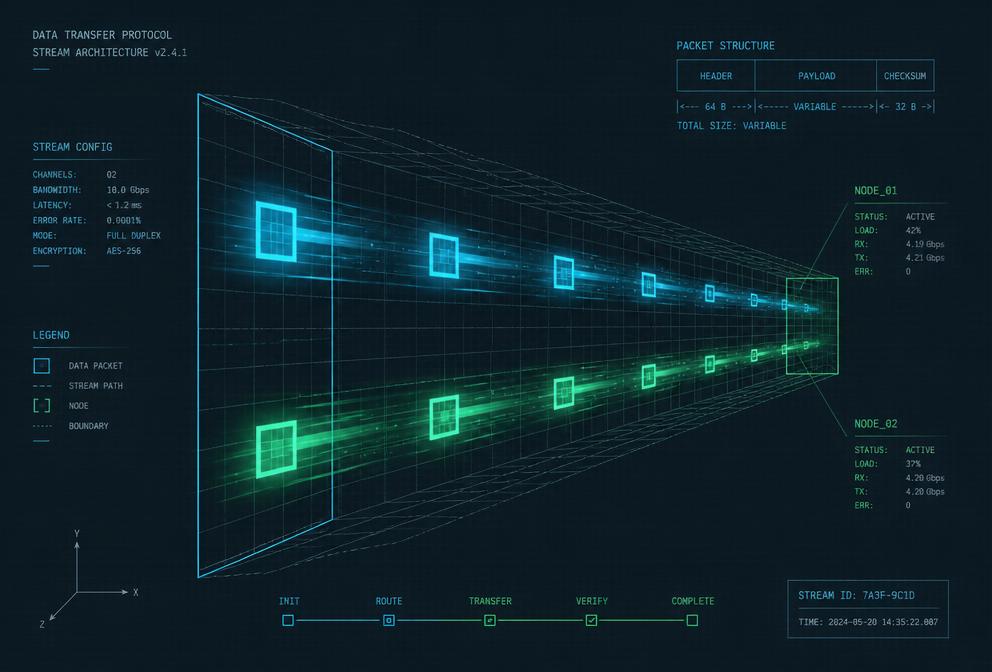
What Is a Packet?
A packet is a small unit of data transmitted over a network. Think of it as a digital envelope. It has a header with the sender and recipient addresses, a sequence number, and a payload containing a fragment of the original message.
Why Break Data Apart?
- Resilience: If one packet is lost, only that packet needs to be resent, not the entire file.
- Efficiency: Multiple packets can travel different routes simultaneously, balancing network load.
- Fairness: Smaller chunks let many users share the same connection without one large transfer blocking everyone else.
Fragmentation & Reassembly
All 1 fragments arrived. The receiver groups them by identification field 0x4f2c, orders them by fragment offset, and knows the datagram is complete because the last fragment has MF = 0. The original 1200-byte payload is handed up to TCP intact.
Path MTU Discovery
The sender marks every packet Don't Fragment. Any router whose outgoing link is too small must drop the packet and reply with ICMP Type 3 / Code 4 — Fragmentation Needed, quoting the MTU it can actually carry. The sender caches that value and retries smaller until packets get through.
Keep probing. Each ICMP "Fragmentation Needed" message carries the constrained link's MTU, so the sender does not have to guess — it jumps straight to that size and retries. If those ICMP messages are filtered by a firewall, the connection stalls instead: the classic "PMTUD black hole".
Fragment loss & reordering simulator
Every fragment arrived. Order on the wire does not matter: the receiver keys fragments on (source, destination, protocol, identification) and files each one at its fragment offset × 8 in the buffer. Seeing MF = 0 gives the total length, and once there are no holes the 4000-byte datagram is handed up to TCP.
TCP vs UDP under fragmentation
TCP itself, at the MSS learned from the path MTU. IP receives packets that already fit.
40 B on every segment (IP + TCP).
Only that segment is retransmitted; the rest of the stream stays in the receive buffer.
1 lost packet = 1 lost segment.
Segment 2 was lost. The receiver ACKs what it has, the sender detects the gap through duplicate ACKs or a timeout, and retransmits only that segment — 1460 B resent out of 4000 B. Flow control and congestion control also react, briefly slowing the stream.
The Journey of a Packet
- Segmentation: Your device splits a file into chunks, often around 1,500 bytes each.
- Encapsulation: Each chunk gets wrapped with headers containing source IP, destination IP, port, and sequence number.
- Transmission: Packets are sent onto the network, where routers forward them hop by hop.
- Reassembly: The receiving device uses sequence numbers to put packets back in order and reconstruct the original file.
Key Term
MTU (Maximum Transmission Unit)
The largest packet size that can be sent over a network link. Ethernet commonly uses an MTU of 1,500 bytes. If data exceeds this, it must be fragmented.